Biomech Tutorial
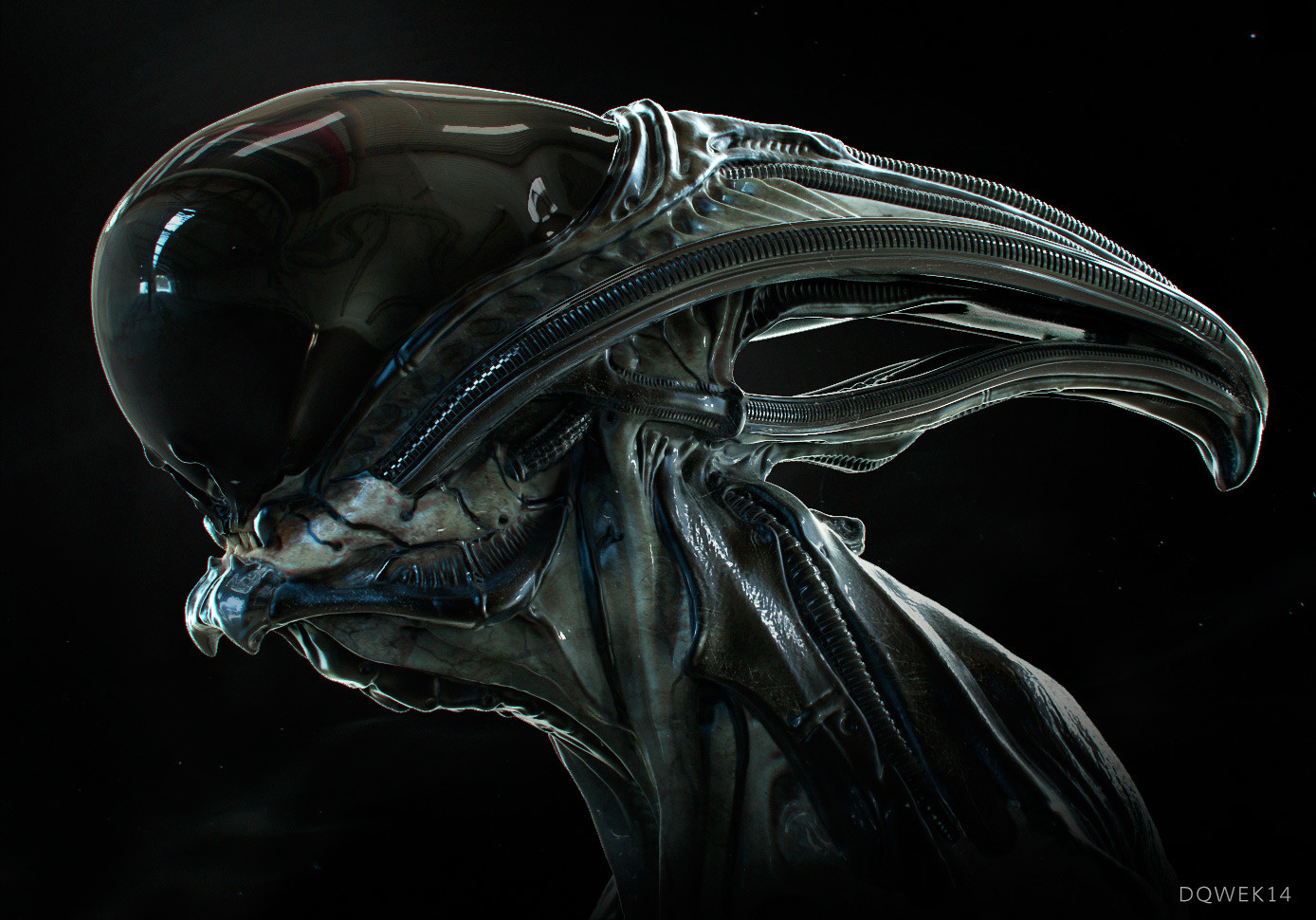
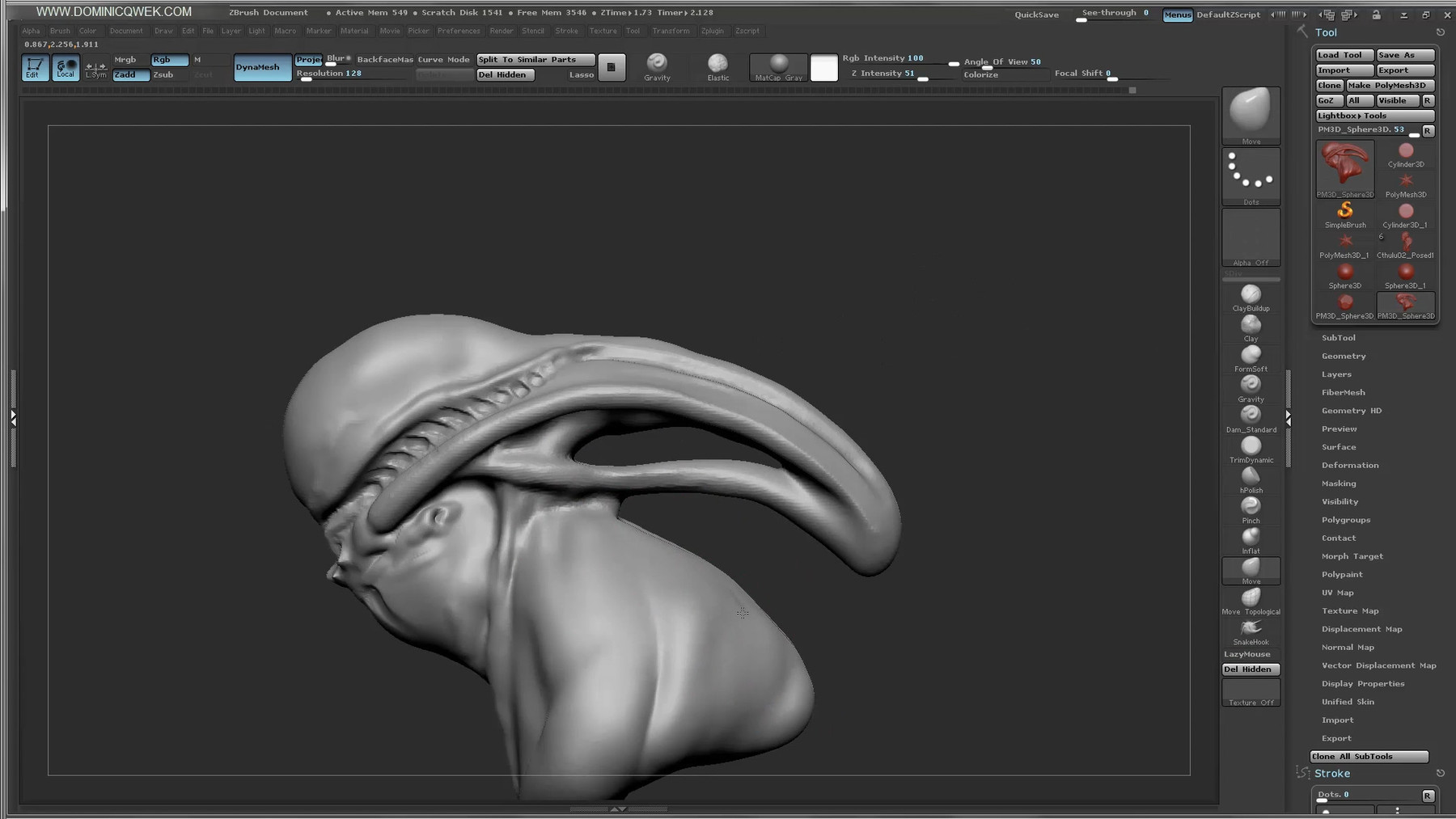
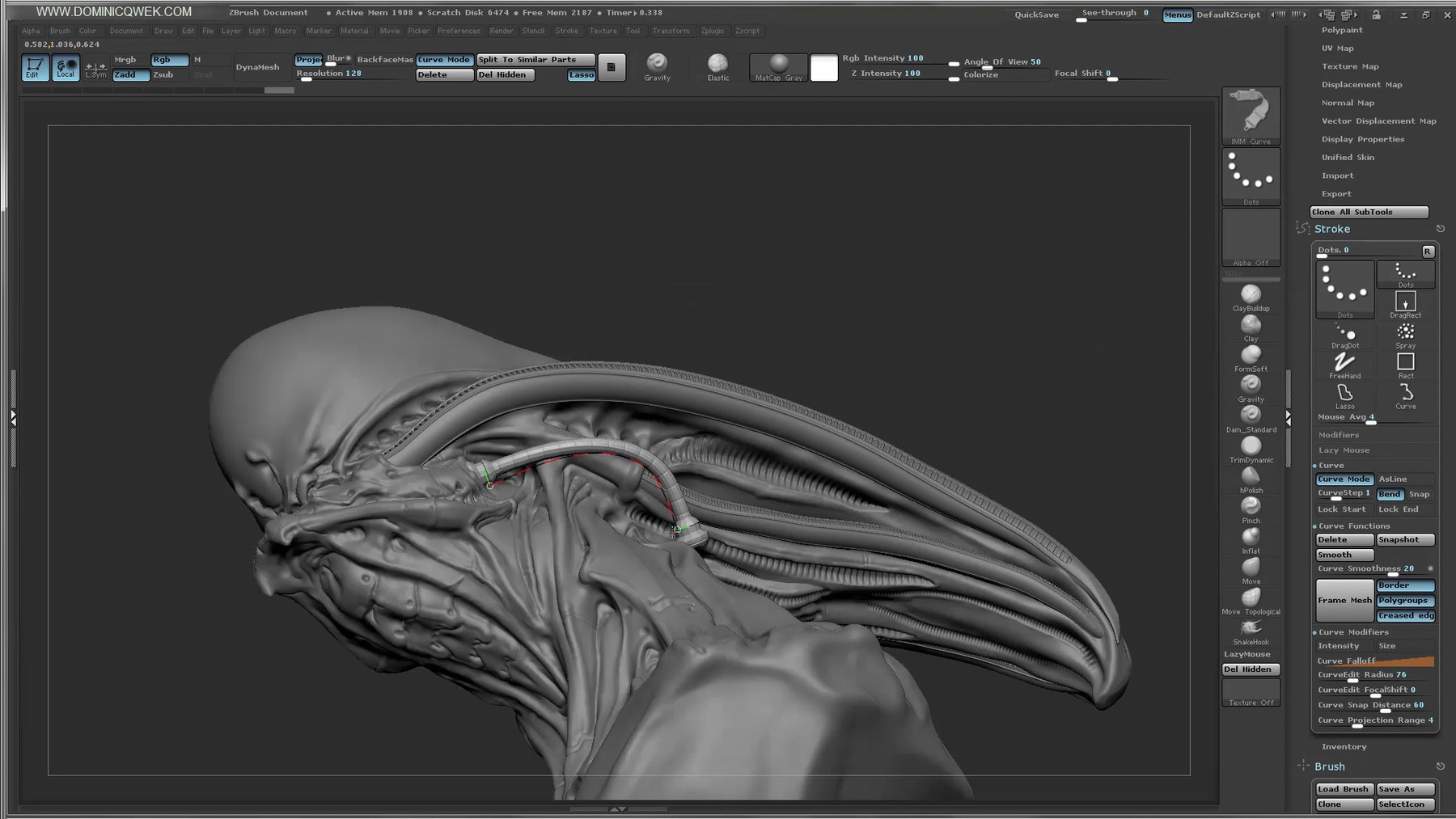
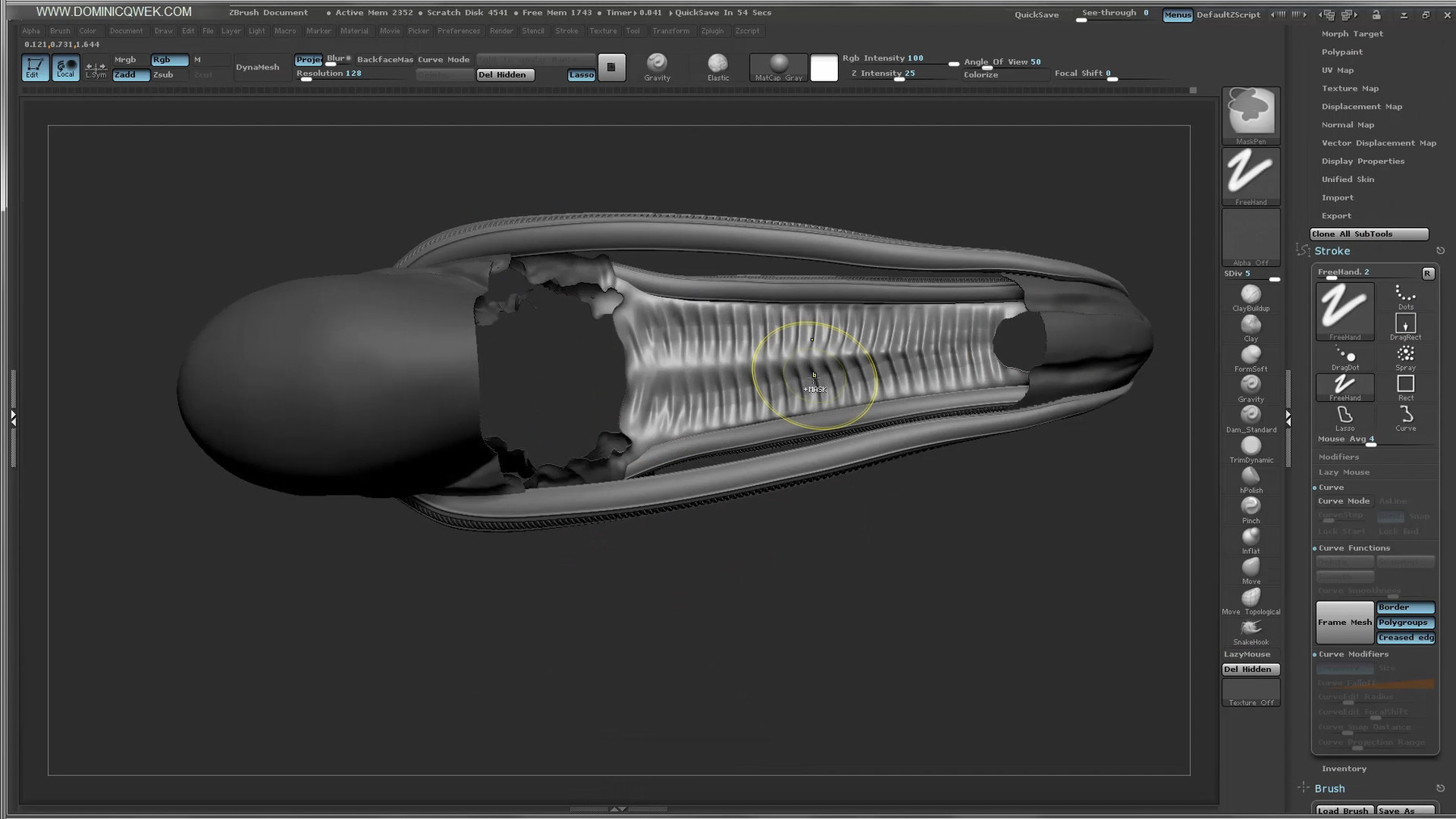
In this tutorial, we'll create a Biomech bust in ZBrush starting from a sphere. We'll use features like Dynamesh, Curve Brush and IMM Brushes. I'll show you every step of the process from designing in 3D, blocking out forms to adding realistic micro-detail.
Basic knowledge of Zbrush required.
Sculpting
Duration: 160 minutes; 1080P (895 MB)
You'll get:
- 1 video tutorial (1080P in MP4 format)
- ZBrush UI config + Gravity Brush
- BiomechTube Brush
- Decimated ZTL file for reference.
Rendering
Duration: 90 minutes; 1080P ( 815 MB)
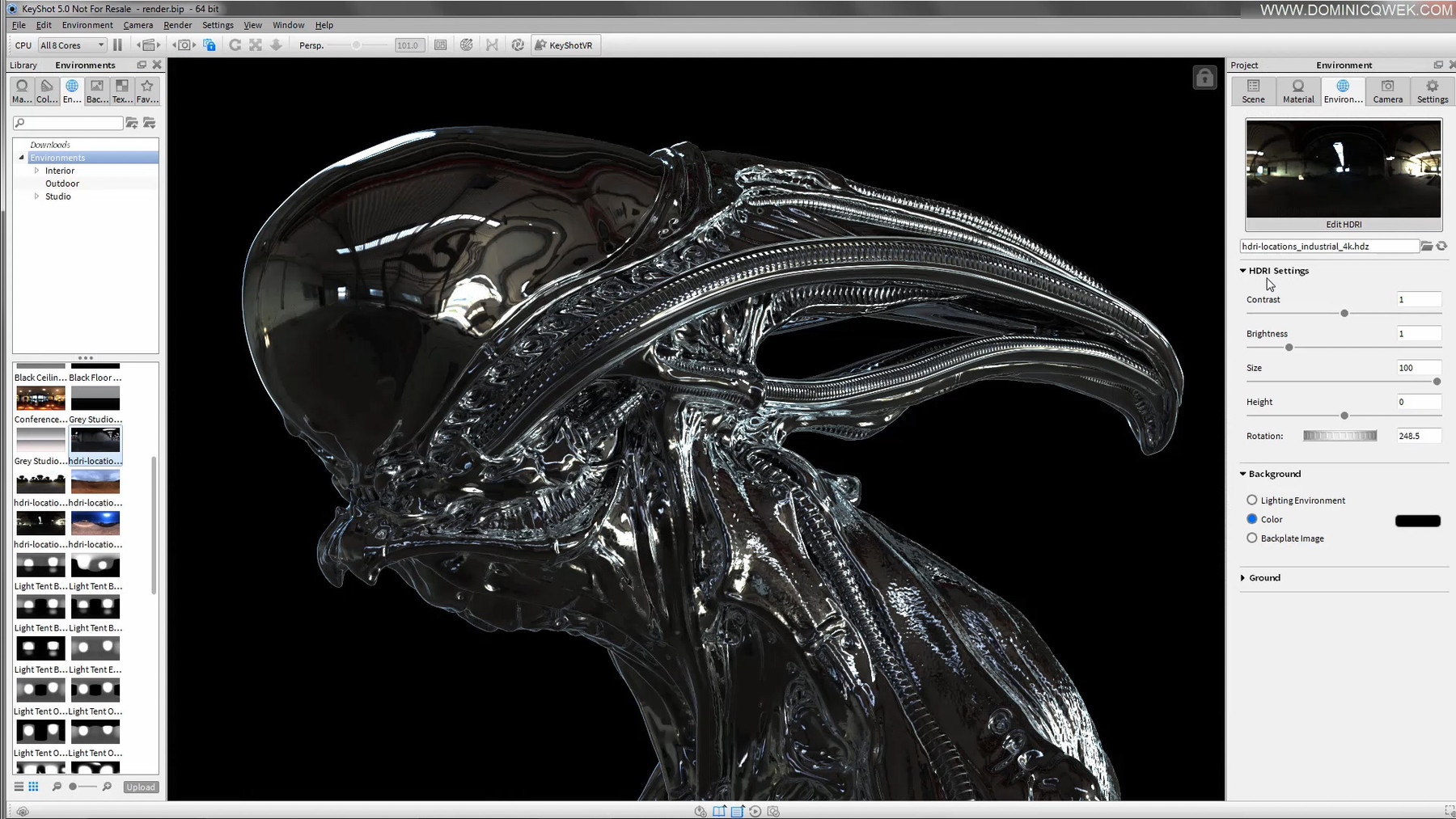
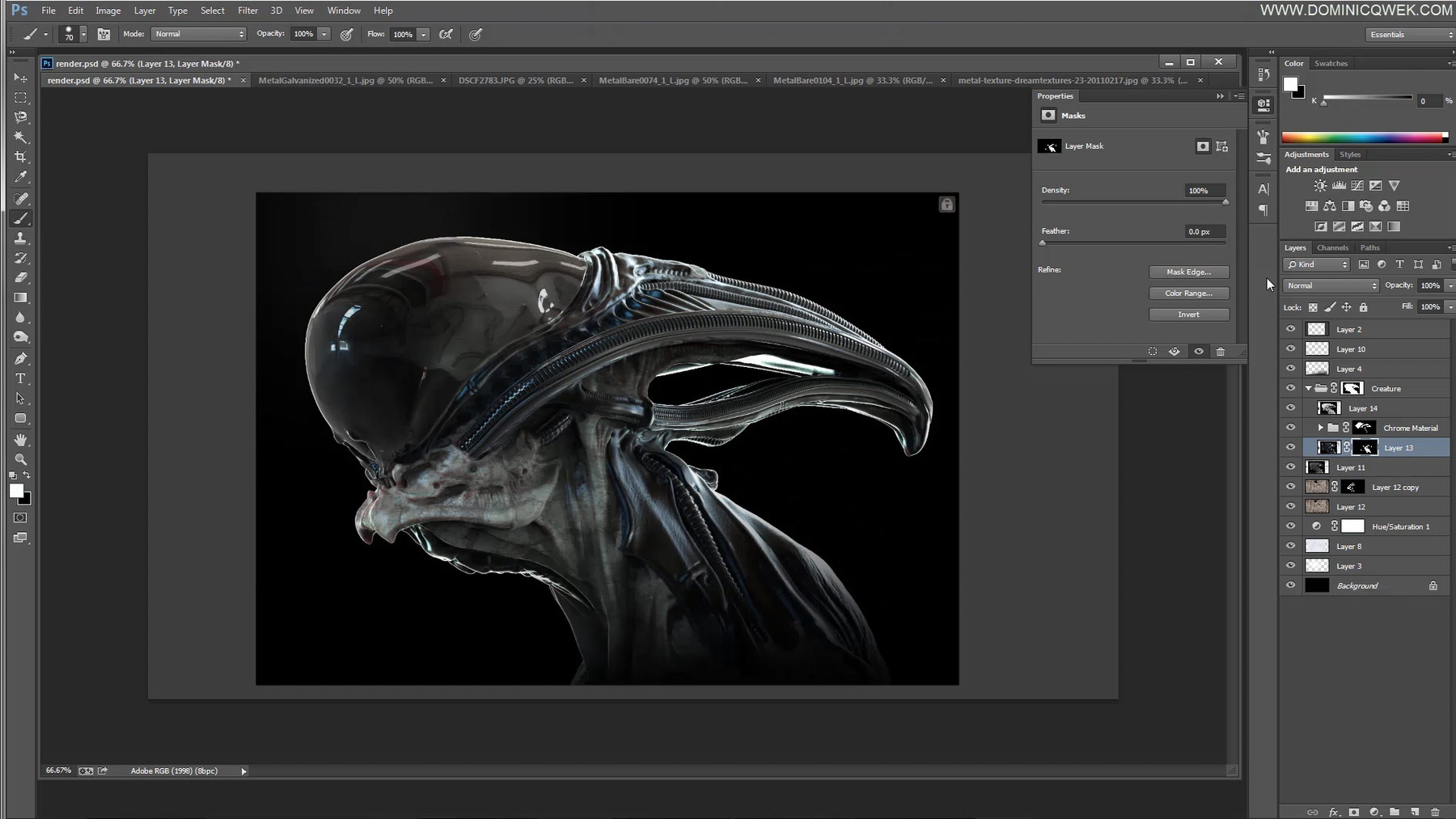
Learn how to use Keyshot to light, shade and render your Biomech bust. Then using Photoshop, we'll composite our renders and add finishing touches to create the final render.
Average knowledge of Photoshop & Keyshot required.
You'll get:
- 1 video tutorial (1080 in MP4 format)
- Biomech OBJ files for Keyshot
- Working PSD file
- Final JPEG artwork
- 1 Hi-Res bone texture